In this post I’ll step through the building of a super simple Apache Beam Data Pipeline on a Windows workstation.
Prerequisites
Let’s start by launching IntelliJ and click Create New Project

Click Next
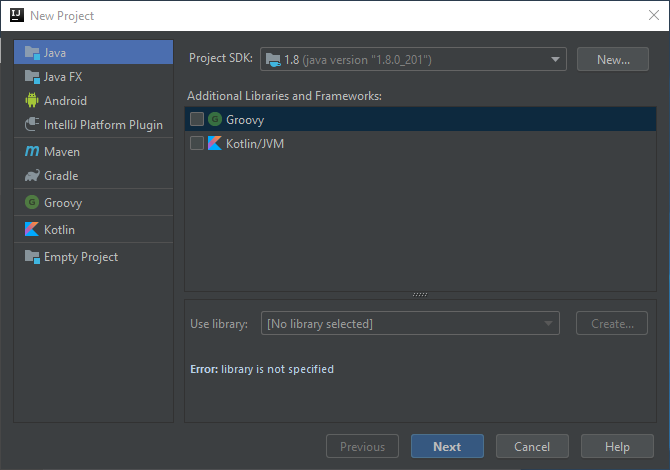
Click Next again
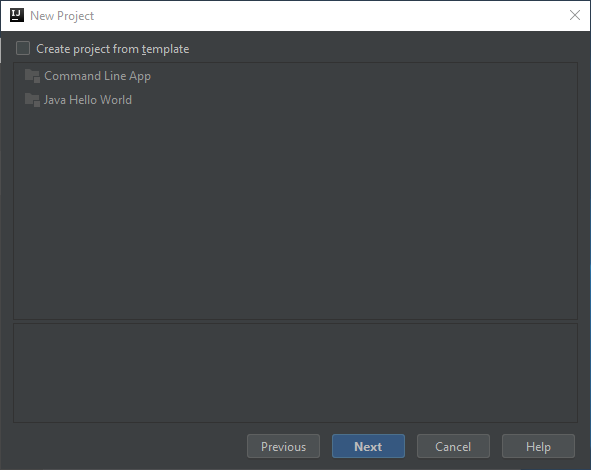
Give it a name…
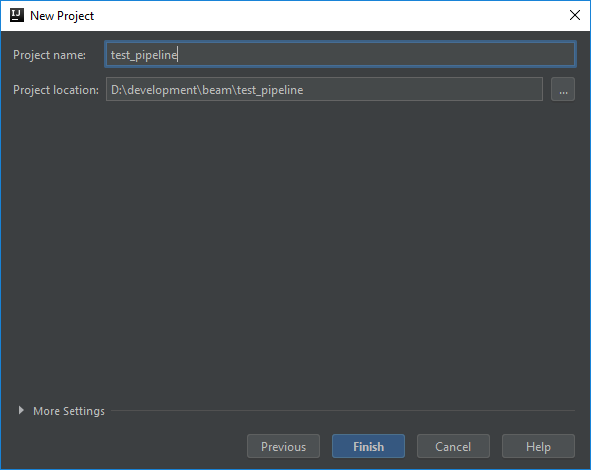
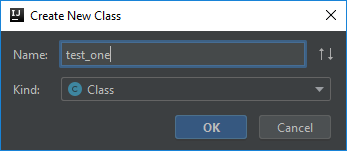
Add a new class into the source folder…
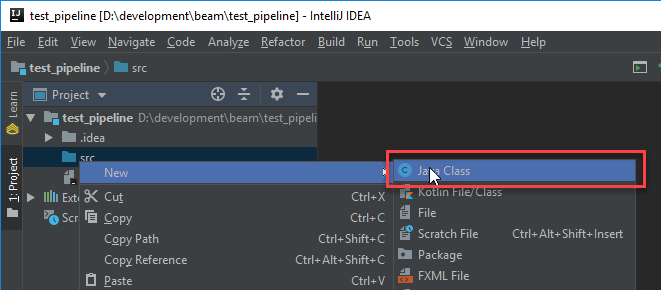
Any old name will do…
Go ahead and stub out the main method…
public class test_one {
    public static void main(String[] args) {
        System.out.println("Pipeline Execution Complete");
    }
}
Then build and test it to make sure it compiles and runs…

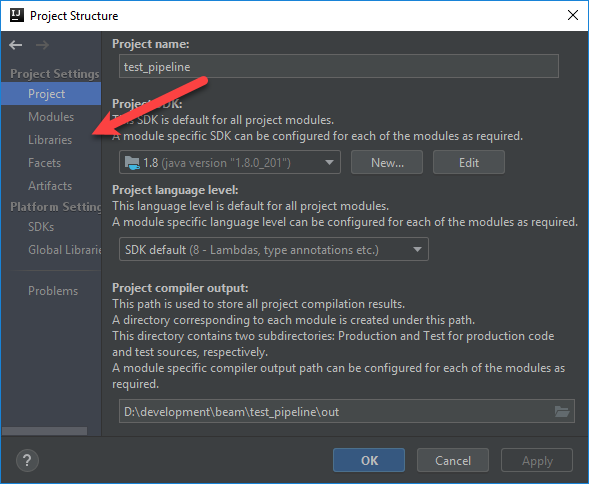
Now edit the Project Structure (Ctrl+Alt+Shift+S) so we can pull in the required libraries…
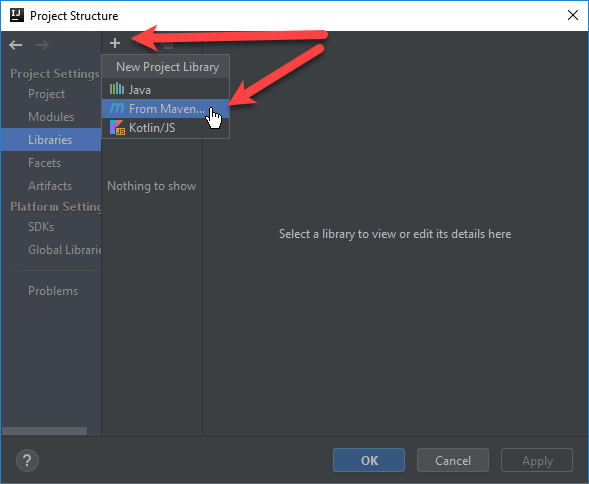
Click the plus sign and then select From Maven…
Type in Beam and click the Magnifying glass. Wait for the list to load and then select the java core for beam and click OK…

When prompted click OK…
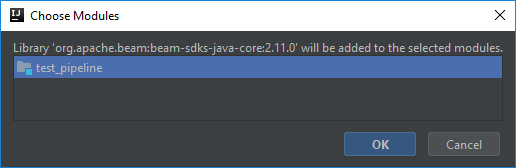
Repeat the process but this time pick the direct runner for java

Repeat one last time for the slf4j logger…
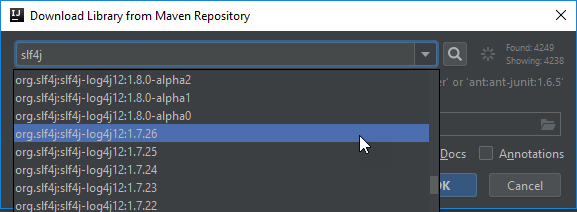
Click OK on the Project Structure dialog and return to your java class. Let’s instantiate a Dataflow pipeline….
import org.apache.beam.sdk.Pipeline;
import org.apache.beam.sdk.options.PipelineOptionsFactory;

public class test_one {
    public static void main(String[] args) {
        Pipeline p = Pipeline.create(PipelineOptionsFactory.fromArgs(args).withValidation().create());
        p.run();
    }
}
Let’s build and test again…

Note the warnings about the logger. I’m ignoring that for now, but eventually it’ll have to be configured. Instead I’ll create a new PCollection that uses a SimpleFunction to convert all words in an array to uppercase. I then use a ParDo to write each word to the console.
import org.apache.beam.sdk.Pipeline;
import org.apache.beam.sdk.options.PipelineOptionsFactory;
import org.apache.beam.sdk.transforms.*;
import org.slf4j.Logger;
import org.slf4j.LoggerFactory;

public class test_one {
    private static final Logger LOG = LoggerFactory.getLogger(test_one.class);
    public static void main(String[] args) {
        Pipeline p = Pipeline.create(PipelineOptionsFactory.fromArgs(args).withValidation().create());
        p.apply(Create.of("apache", "beam", "rocks", "!" ))
                .apply(MapElements.via(new SimpleFunction<String, String>() {
                    @Override
                    public String apply(String input) {
                        return input.toUpperCase();
                    }
                }))
                .apply(ParDo.of(new DoFn<String, Void>() {
                    @ProcessElement
                    public void processElement(ProcessContext c)  {
                        System.out.println(c.element());
                    }
                }));
        p.run();
        System.out.println("Pipeline Execution Complete");
    }
}
Now I can run this to see the results!

Sweet! Note how the order of the results has changed! That is expected as the direct runner matches the parallelism across the workers. With everything running locally I can now test out new beam pipelines without having to incur a cost within GCP. The downside to that is that local runners doesn’t implement the beam model the same as dataflow. The upside is I can use components running local in docker or kubernetes!

 Erik's Blog